About 123PhotoTool
What 123PhotoTool is, what its tools do, and where your photos go when you use them.
What Is 123PhotoTool?
123PhotoTool is a free collection of 179 photo tools that work in a web browser, on a phone or a computer: photo editing, cropping and resizing, format conversion, collages, color tools and more. Most of them run entirely in your browser; the four AI tools and a few converters send a copy of your file to our server. There is nothing to install, no account and no watermark, and the site is available in 18 languages.
- Free, no watermark
- No sign-up
- 18 languages
- Works on phone and computer
How to Use 123PhotoTool
-
1 Pick a Tool
Find it on the home page, in the menu at the top of every page, or with the search box on the home page. Each tool has its own page.
-
2 Upload Your Photo
Choose a photo from your phone or computer. Many tools also take a photo dragged onto the page or pasted with Ctrl+V, and offer sample photos to try.
-
3 Save the Result
Save it to your device, with nothing added to it. Tools that work on many photos at once can save them all together.
Most Tools Run in Your Browser
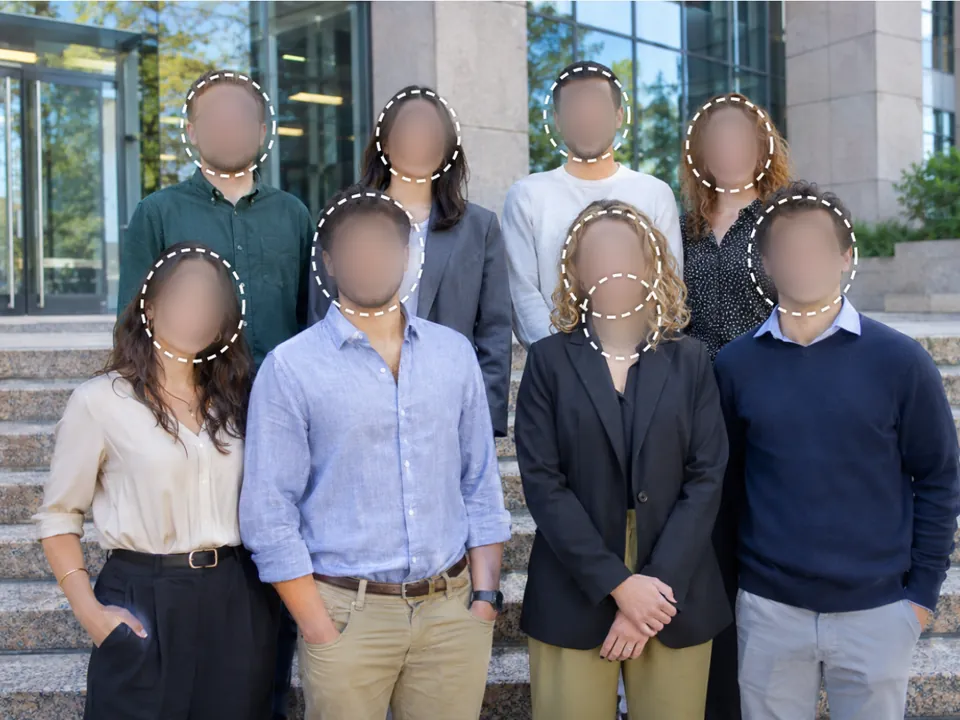
Photo editing, cropping, resizing, compressing, collages, color tools and most format converters work on your device: your browser opens the photo, changes it and saves it, and the photo is never uploaded. Blur Face and Relight find faces and depth with models that run in your browser too.
Four AI Tools Use Our Server
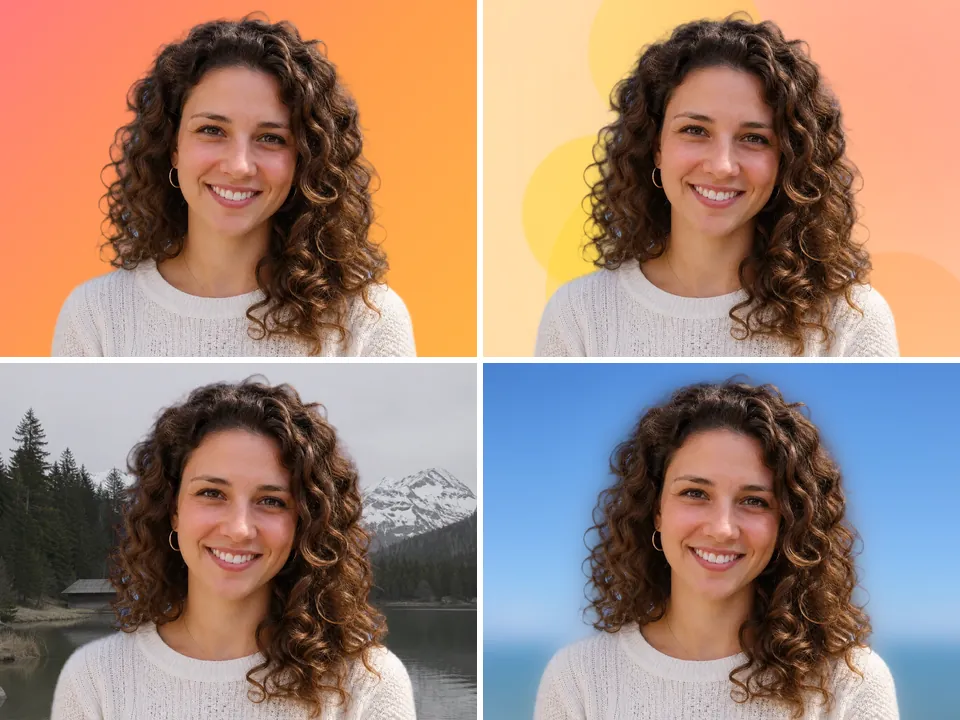
Remove Background, Remove Object, Upscale Photo and Colorize send a copy of your photo to our AI server. The upload is deleted as soon as it is processed, and a result waiting to be downloaded is deleted a few hours later. To keep them free, each internet connection can use each of these tools twice an hour.
Converters Say Where Your Files Go
Most converters, resizers and compressors work in your browser, and many take a whole set of photos at once. A few conversions need our server, such as PDF, Word, RAW and text recognition, and their pages say so. A converter that works in your browser asks before it sends a file your browser cannot open.
What You Can Do on 123PhotoTool
AI Tools
Remove a background or an object, upscale a photo, colorize black and white photos, blur faces and add new lights to a photo.
Photo Editing Tools
Adjust light and color in the Photo Editor, draw, blur or smudge with a brush, clone, brighten or darken, and remove noise or red eye.
Transform Tools
Resize to an exact size, crop to a ratio or a circle, scan a document, rotate, flip and compress, one photo or many.
Format Conversion
Convert JPEG, PNG, WebP, HEIC, GIF and SVG files, turn RAW, PSD and PDF files into images, and copy the text out of a picture.
Templates
Make collages and memes, add stickers, frames or a watermark, merge photos, or split one into an Instagram grid.
Color Tools
Pick colors from a photo, build palettes, schemes and gradients, convert color codes and check contrast.
Effects and Backgrounds
Add an aurora to a night sky, blend two photos into a double exposure, liquify or stretch a photo, and make gradient backgrounds.
Utility Tools
Make QR codes for links, text, WiFi, email, phone numbers, SMS and contact cards.
123PhotoTool at a Glance
| Tools | 179 online photo tools |
|---|---|
| Price | Free, with no watermark and no sign-up |
| Languages | English, Español, Français, Deutsch, Português, Italiano, Nederlands, Polski, Русский, Svenska, 日本語, 简体中文, 繁體中文, 한국어, Tiếng Việt, العربية, Bahasa Indonesia, Türkçe |
| Devices | Phones, tablets and computers, in a current web browser |
| Where it runs | In your browser, except the four AI tools and some file conversions, which use our server |
| Uploads | Deleted as soon as they are processed; a result waiting to be downloaded is deleted a few hours later |
| AI Tools | Each can be used twice an hour from one internet connection |
Frequently Asked Questions
Is 123PhotoTool free to use?
Yes. Every tool is free, with no watermark on what you save and no account to create. The four AI tools that run on our server can each be used twice an hour per internet connection, so they stay free for everyone.
Do I need to install any software or create an account?
No. The tools run in a web browser on a phone, a tablet or a computer. There is no app to install and no account to make: open a tool and start.
Are my photos uploaded?
Only for the tools that need our server. Most tools work entirely in your browser, so the photo never leaves your device. Remove Background, Remove Object, Upscale Photo and Colorize send a copy to our AI server, and some conversions, such as PDF, Word, RAW and text recognition, run on our server. Uploads are deleted as soon as they are processed, and results a few hours later.
Which tools use AI?
Remove Background, Remove Object, Upscale Photo and Colorize run AI models on our server. Blur Face finds faces with a detector that runs in your browser, and Relight works out the depth of a photo with an AI model that also runs in your browser. The other tools work without AI.
Which languages is 123PhotoTool in?
18 languages: English, Español, Français, Deutsch, Português, Italiano, Nederlands, Polski, Русский, Svenska, 日本語, 简体中文, 繁體中文, 한국어, Tiếng Việt, العربية, Bahasa Indonesia, Türkçe. Choose one from the language menu at the top of any page; each language has its own web address.
Does it work on my phone?
Yes. Open the site in your phone's browser. Once a photo is loaded, a photo tool opens it full screen with its controls underneath, and Save shows the photo with Share and Download buttons where the browser can share files.
Can I use the results in commercial work?
Yes. Our Terms of Use allow personal and commercial use of the tools, and nothing is added to what you save. Make sure you have the right to use the photos you edit.
How do I contact you?
Use the form on our Contact page, or email [email protected]. The form takes text only, and messages with links to other websites are rejected.