Signature Background Remover
Take a photo of your signature on paper and get the ink alone, ready for documents, right in your browser.
Drop a file here,
or use Ctrl+V / Cmd+V to paste
Runs in your browser. Your photo is never uploaded.
Continue editing in:
Make Your Signature Transparent
Signature Background Remover is a free online tool that turns a photo of your signature on paper into a transparent PNG. The paper, its shadows and uneven light are removed, and the ink stays in its own color, or made black or blue. Add the PNG to a Word document, a PDF or an email. It runs in your browser, so your signature is never uploaded, and it is free with no sign-up and no watermark.
- Free, no watermark
- No sign-up
- Photos never leave your device
- Works on phone and computer
Before and After
Real results, saved as transparent PNGs. The squares show the parts that are now see-through.
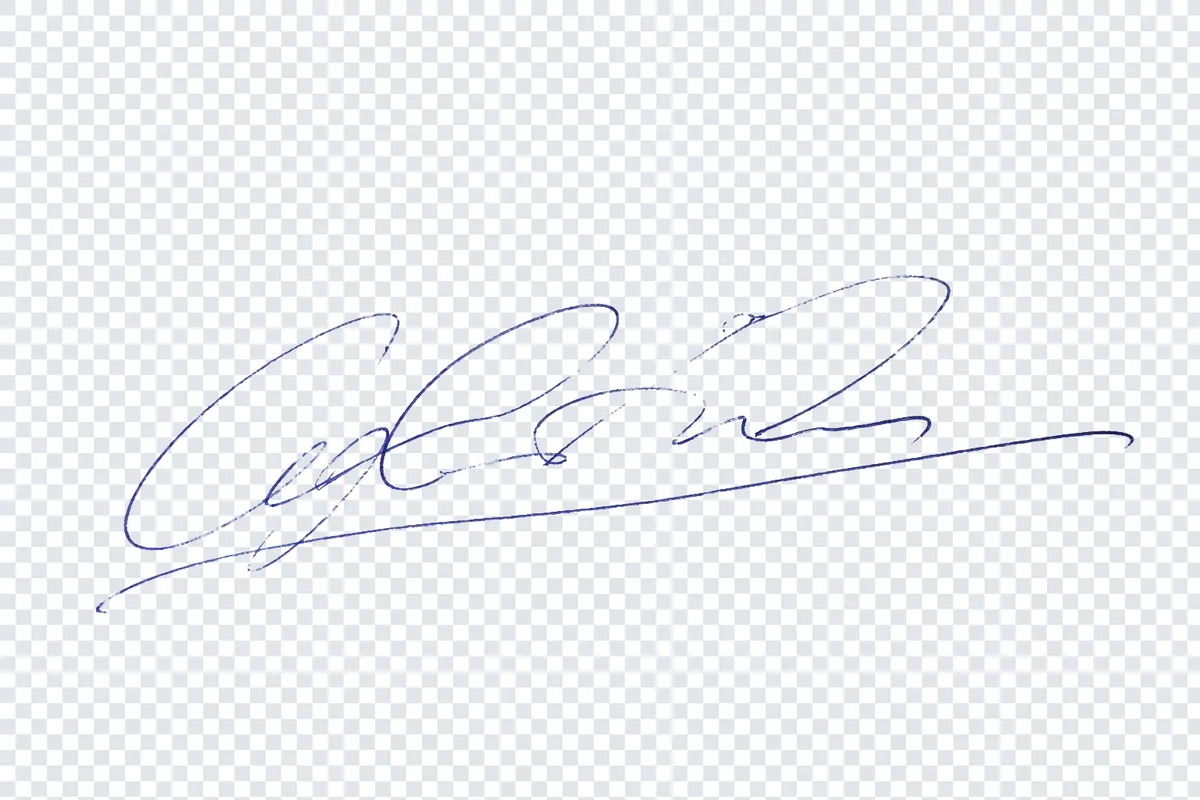
 BeforeAfter
How to Make a Transparent Signature
-

1 Photograph Your Signature
Sign white paper with a dark pen and take a photo of it in good light, or scan it. Upload the photo, or try one of ours.
-

2 Remove the Paper
The paper and its shadows are removed and the ink is kept. Choose the original ink, black or blue, and raise Ink strength if the strokes look faint.
-

3 Add It to Your Document
Save a transparent PNG, trimmed to the signature, and insert it into a Word document, a PDF or an email.
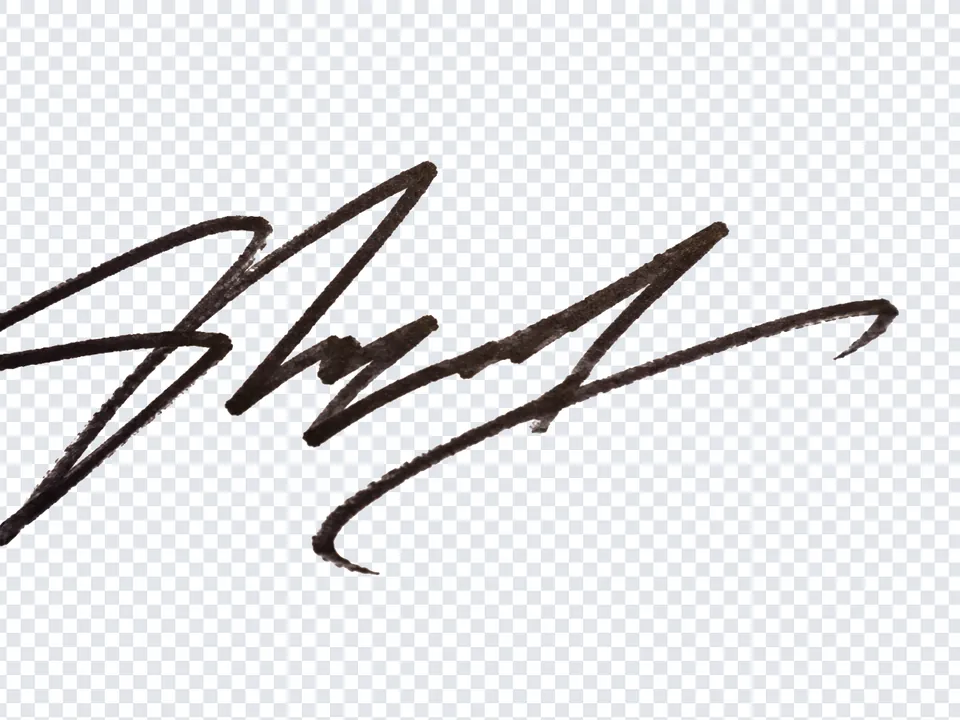
 BeforeAfter
Shadows and Uneven Light Removed
A photo of paper is rarely even: one corner is darker, and the phone casts a shadow. The tool measures the paper behind every stroke, so shadows, the color of the paper and uneven light are removed and only the ink is kept.

Original Ink, Black or Blue
Keep the color of your pen, or make every stroke black or blue. Ink strength makes thin ballpoint strokes darker and more even, and Clean up removes specks of paper grain.

Ready for Documents
The PNG is transparent and trimmed to the signature, so it sits on the signature line of a document or in an email signature with no white box around it.
Signature Background Remover at a Glance
| Price | Free, with no watermark and no sign-up |
|---|---|
| Removes | Paper, its shadows and uneven light; the ink stays |
| Settings | Ink color, Clean up, Ink strength, Trim empty edges |
| Opens | JPEG, PNG, WebP, HEIC |
| Saves as | A transparent PNG; WebP is transparent too; JPEG fills the background with white |
| Saved size | Your photo's own size, up to 16 megapixels |
| Files at once | One photo at a time |
| Where it runs | In your browser; nothing is uploaded |
Updated November 26, 2026
Frequently Asked Questions
How do I make a transparent signature?
Sign a sheet of white paper with a dark pen and take a photo of it in good light, or scan it. Upload the photo: the paper and its shadows are removed, the ink stays and the empty edges are trimmed. Save it as PNG and add it to your document.
How do I add the signature to a Word document or a PDF?
In Word or Google Docs, insert the PNG as a picture and set its text wrapping to In front of text, then move it onto the line. In Adobe Acrobat, use Fill & Sign and add the signature as an image. The paper does not show, because the PNG is transparent.
Can I make the signature black or blue?
Yes. Under Ink color, keep the original ink, or make every stroke black or a pen blue.
Why is my signature faint or patchy?
Raise Ink strength to make thin or light strokes darker, or lower Clean up so that faint strokes are not taken for paper grain. A dark pen, such as a felt-tip, and good light give the cleanest result.
The shadow of my phone is on the paper. Is that a problem?
No. The paper is measured across the whole photo, so shadows, uneven light and the color of the paper are removed with it. If dark specks of paper grain are left, raise Clean up.
Is a picture of my signature a legal electronic signature?
It depends on where you are and what you sign. Many everyday documents accept a signature image, but some contracts need a certified digital signature. If in doubt, ask whoever asked you to sign.
Is my signature uploaded?
No. Your signature is processed in your browser, on your own device, and is never sent to our server.
What do the grey and white squares mean?
They show the parts of the picture that are transparent. They are not in your picture and do not appear in the saved PNG.
Is it free?
Yes. There is no sign-up, no watermark and no limit on how many images you do, because it all runs in your browser.
Does it work on a phone?
Yes. Once you add a photo it opens as a full-screen editor, with the settings in the bar at the bottom. Press and hold the photo to compare it with the original, then save it or share it straight to another app.