Free Online Photo Invert Tool
Drop a file here,
or use Ctrl+V / Cmd+V to paste
Continue editing in
Or try a sample photo:
Try a sample photo:
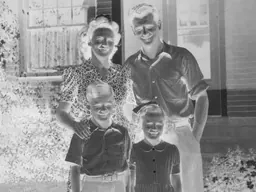
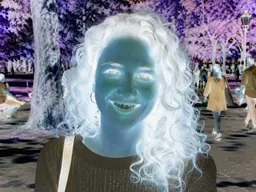
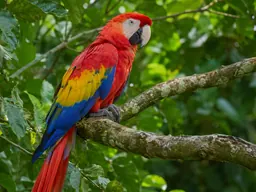
Invert the Colors of a Photo
Turn every color into its opposite with one click: black becomes white, blue becomes orange, and a black-and-white film negative becomes a positive picture. Click again to go back. Transparent parts stay transparent, and the photo is saved at its full size.
- Free, no watermark
- No sign-up
- Photos never leave your device
- Hold to compare with the original
Before and After
Real results of the Invert tool. Drag the line to compare.
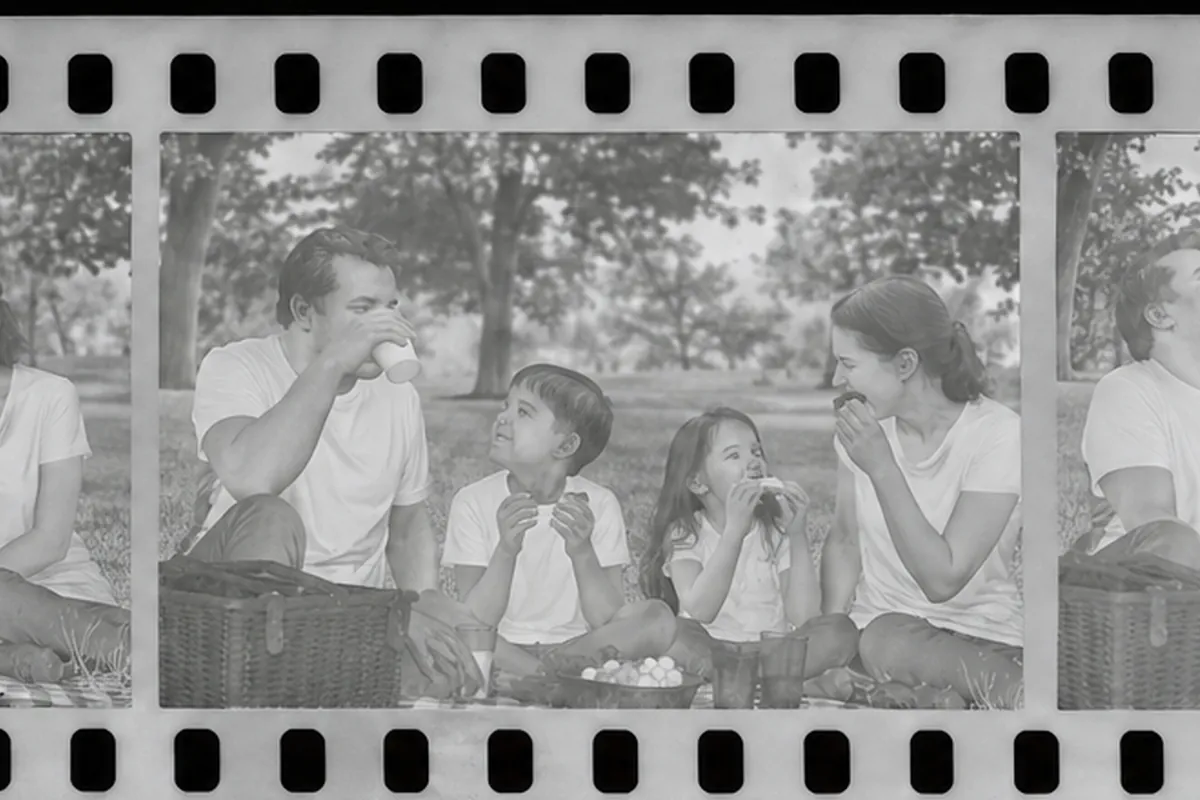
 BeforeAfter
How to Invert a Photo
-
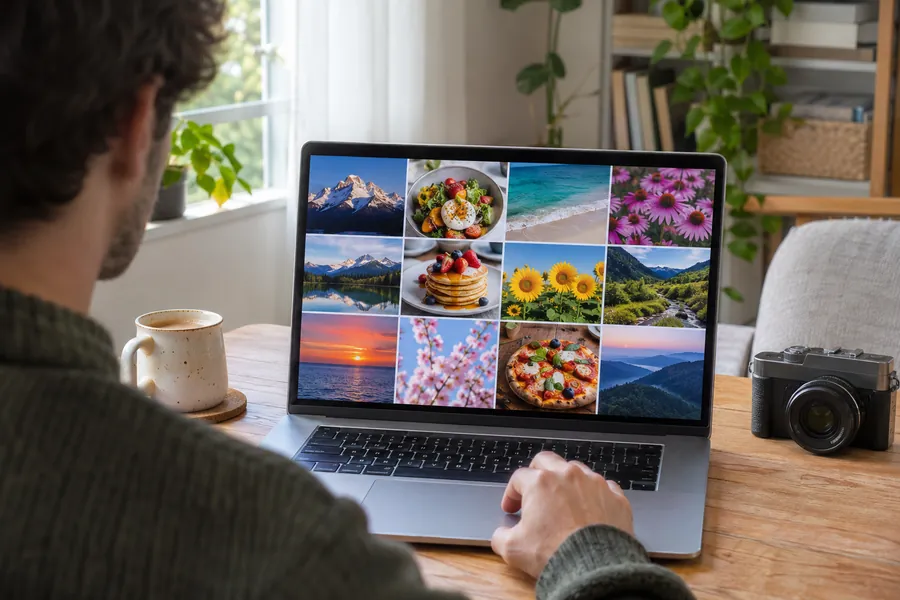
1 Upload Your Photo
Drop a photo here, choose one from your device, or paste one with Ctrl+V. JPEG, PNG, WebP and HEIC photos all open.
-

2 Invert the Colors
Press Toggle Invert. Every color turns into its opposite at once; press it again to see the original. Press and hold the photo to compare.
-
3 Save Your Photo
Choose JPEG, PNG or WebP and save. The photo is saved at its full size; on a phone you can also share it straight to another app.
What Inverting Is Good For
Black-and-White Negatives
Photograph a negative on a light box or a bright white screen, then invert it to see the picture.
White on Black
Turn a black-on-white drawing, chart or scanned page into white on black.
Bold Effects
Inverted colors make striking posters, covers and backgrounds.
Invert Image at a Glance
| Price | Free, with no watermark and no sign-up |
|---|---|
| Control | One button: inverted or original |
| Transparency | Kept as it is |
| Opens | JPEG, PNG, WebP, HEIC |
| Saves as | JPEG, PNG, WebP |
| Resolution | The full size of your photo |
| Files at once | One photo at a time |
| Where it runs | In your browser; nothing is uploaded |
Updated November 25, 2026
Frequently Asked Questions
Can I turn a color negative into a photo?
You can invert it, but the colors will look blue and dull: color negatives have an orange base that needs its own color correction, which this tool does not do. Black-and-white negatives invert cleanly.
What does inverting do to each color?
Each of red, green and blue is turned around: a value v becomes 255 − v. White becomes black, red becomes cyan and yellow becomes blue.
Can I invert only part of a photo?
No, the whole photo is inverted. Crop it first if you need only a part.
Is my photo saved at full size?
Yes. You edit a smaller preview, but Save applies the same setting to the original photo at its full size. PNG keeps every pixel; JPEG and WebP use the quality you choose, 85% unless you change it.
Which formats can I use?
You can open JPEG, PNG, WebP and HEIC photos and save as JPEG, PNG or WebP. iPhone HEIC photos are turned into JPEG when they open. Transparent parts stay transparent in PNG and WebP and turn white in JPEG.
Does it work on my phone?
Yes. On a phone the photo opens full screen with the control below it. Press and hold the photo to compare it with the original, then save it or share it straight to another app.
Are my photos uploaded?
No. Your photo is edited in your browser and never leaves your device.