Image Compressor
Reduce your image file sizes while maintaining quality. Upload multiple images and compress them all at once.
Drop files here,
or use Ctrl+V / Cmd+V to paste
Drop your files here or click to upload
Supports JPEG, PNG, WebP, HEIC formats
Why Use Our Image Compressor?
Reduce file sizes without compromising visual quality. Perfect for web optimization, email attachments, and storage management.
- Free, no watermark
- No sign-up
- Photos never leave your device
- Many files at once
How Image Compression Works
-
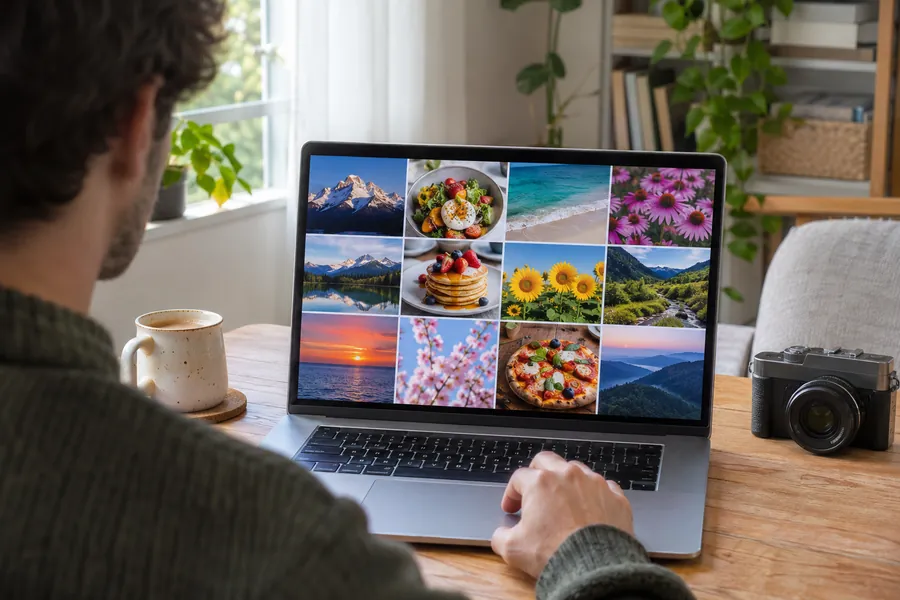
1 Upload Images
Select single or multiple images in JPEG, PNG, WebP, or HEIC format from your device.
-
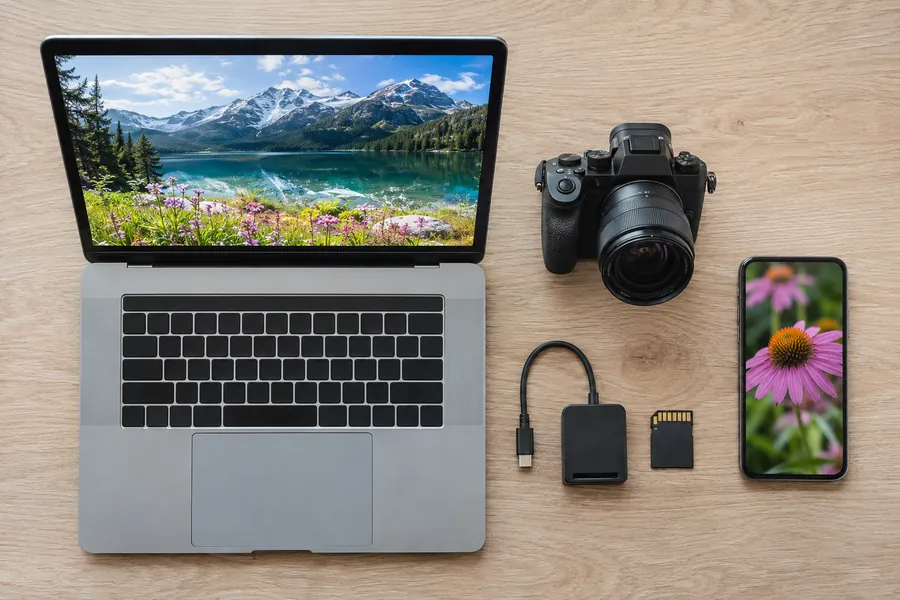
2 Adjust Settings
Set the quality from 10 to 100% to balance file size reduction with image quality.
-

3 Download Results
Download individual compressed images or get all files in a convenient ZIP archive.
Faster Website Loading
Smaller image files load faster, improving user experience and SEO rankings. Reduce bandwidth usage significantly.
Maintain Visual Quality
Advanced compression algorithms preserve image quality while dramatically reducing file sizes.
Save Storage Space
Free up valuable storage space on your devices and cloud storage by compressing multiple images at once.
Image Compressor at a Glance
| Price | Free, with no watermark and no sign-up |
|---|---|
| Opens | JPEG, PNG, WebP, HEIC, GIF, AVIF, BMP |
| Saves as | Original Format, JPEG, PNG, WebP |
| Files at once | As many as you like; save them one by one or all together |
| Where it runs | In your browser. A file your browser cannot open, such as TIFF, goes to our server only if you agree. |
Updated November 25, 2026
Frequently Asked Questions
What image formats are supported?
Our image compressor supports all major image formats including JPEG, PNG, WebP, and HEIC. The tool automatically detects the format and applies the most appropriate compression algorithm for optimal results.
How much can I compress my images?
Compression results vary depending on the original image and settings chosen. Typically, you can achieve 30-80% file size reduction while maintaining good visual quality. The Quality slider, from 10 to 100%, lets you control the balance between file size and quality.
Is there a file size or quantity limit?
You can upload multiple images at once for batch processing. Individual files should be under 50MB for optimal performance. The tool processes images efficiently in your browser without uploading to our servers.
Are my images secure and private?
Absolutely! All image compression happens directly in your browser using client-side processing. Your images never leave your device or get uploaded to our servers, ensuring complete privacy and security of your files.