PNG Converter
Convert images to PNG format instantly and free. Transform JPEG, WebP, HEIC, and other formats to PNG with full transparency support. Perfect for lossless quality and professional editing.
Drop files here,
or use Ctrl+V / Cmd+V to paste
Drop your files here or click to upload
Convert JPEG, WebP, HEIC, GIF, BMP, TIFF to PNG format
Why Convert Images to PNG?
PNG keeps every pixel of an image exactly, and it keeps transparency, which makes it the safe choice for screenshots, logos, graphics and pictures you will edit again. The PNG Converter turns JPEG, WebP, HEIC, GIF, AVIF and BMP images into PNG files in your browser, so nothing is uploaded.
- Free, no watermark
- No sign-up
- Photos never leave your device
- Many files at once
How to Convert Images to PNG
-
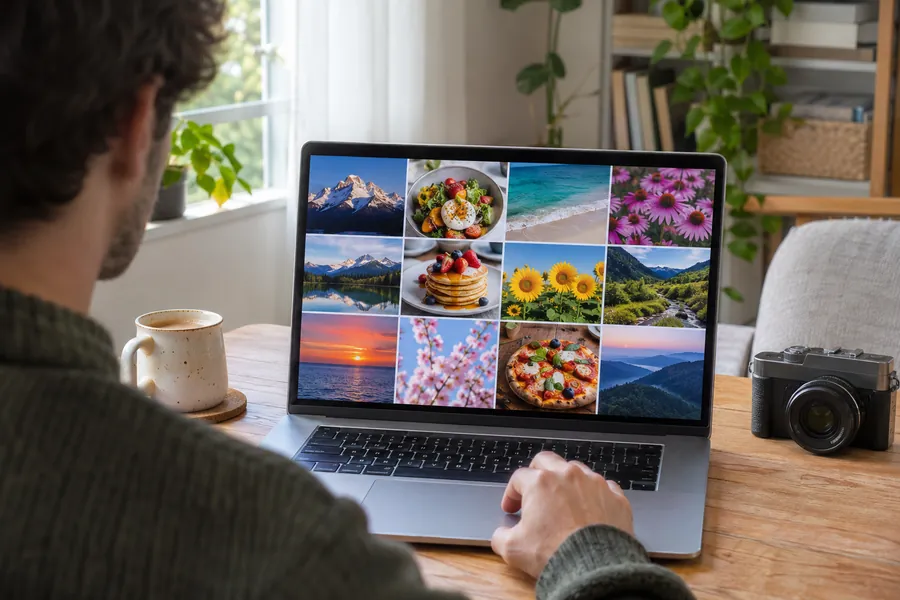
1 Add Your Images
Choose images from your device, or drop them on the page: JPEG, WebP, HEIC, GIF, AVIF or BMP.
-
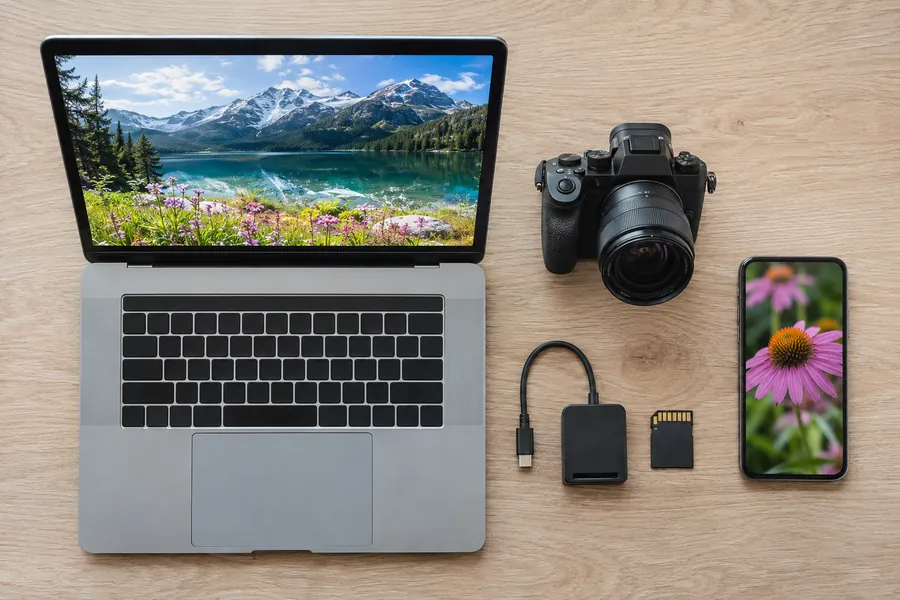
2 Convert to PNG
PNG is already chosen, and each image is converted as soon as you add it. You can pick JPEG or WebP instead.
-

3 Save Your PNG Files
Save each PNG file on its own, or all of them at once in a ZIP file.
Every Pixel Kept
PNG is lossless, so a PNG never gets blurrier, however often you edit and save it.
Transparency Stays
Transparent areas of WebP, GIF and PNG images stay transparent.
Opens Everywhere
Every browser, phone, computer and photo editor opens PNG files.
PNG Converter at a Glance
| Price | Free, with no watermark and no sign-up |
|---|---|
| Opens | JPEG, PNG, WebP, HEIC, GIF, AVIF, BMP |
| Saves as | JPEG, PNG, WebP |
| Files at once | As many as you like; save them one by one or all together |
| Where it runs | In your browser. A file your browser cannot open, such as TIFF, goes to our server only if you agree. |
Updated November 25, 2026
Frequently Asked Questions
Does converting a JPEG to PNG improve its quality?
No. The PNG keeps the JPEG exactly as it is, without losing more, but it cannot bring back detail that JPEG compression removed.
Why is my PNG bigger than the original?
PNG stores every pixel without loss. Photos have a great many slightly different colors, so as PNG they are often several times larger than a JPEG or WebP. For photos you share, JPEG or WebP is usually the better choice.
Can I convert iPhone HEIC photos to PNG?
Yes. HEIC photos from an iPhone or iPad are converted in your browser as well.
Are my images uploaded?
No. The PNG Converter works in your browser, so your images never leave your device.