3.5 × 4.5 cm Photo
Crop a photo to 3.5 × 4.5 cm and save it at 413 × 531 pixels with 300 DPI, the photo size many application forms ask for. Free and private: it runs in your browser.
Drop a file here,
or use Ctrl+V/Cmd+V to paste an image or a file
Continue editing in
Or try a sample photo:

Resize a Photo to 3.5 × 4.5 cm
3.5 × 4.5 cm (35 × 45 mm) is the photo size many application, ID and exam forms ask for. Upload a photo, move the box over the face and shoulders, and save: the crop is saved at 413 × 531 pixels with 300 DPI written into the file, so it prints at 3.5 × 4.5 cm. It is free and runs in your browser, so your photo is never uploaded.
- Free, no watermark
- No sign-up
- Photos never leave your device
- 413 × 531 px at 300 DPI
How to Make a 3.5 × 4.5 cm Photo
-
1 Add Your Photo
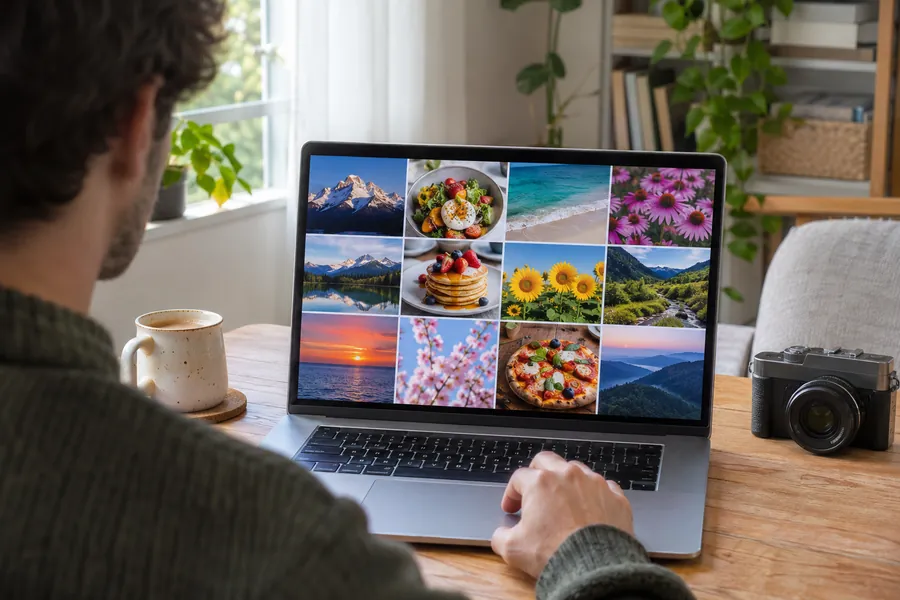
Choose a photo from your device, drop it on the page or paste it with Ctrl+V. A clear, front-facing photo on a plain background works best.
-

2 Place the Box
The box keeps the 3.5 × 4.5 cm shape. Drag it over the face and shoulders, and pull a corner to make it bigger or smaller.
-

3 Save the Cropped Photo
Choose JPEG or PNG and press Save Photo. The photo is saved at 413 × 531 pixels with 300 DPI, so it prints at 3.5 × 4.5 cm.

 BeforeAfter
Cut Out What Does Not Belong
Trim a passer-by, a sign or a crooked edge out of the picture, or bring the subject closer so it fills the frame, without taking the photo again.
Why Use This Page?
Prints at the Right Size
The DPI is written into the JPEG or PNG, so a print shop or a printer at 100% scale prints it at 3.5 × 4.5 cm.
The Shape Is Fixed
The box keeps the 35:45 shape while you move and resize it, so the photo is never stretched.
Keep Editing
Send the cropped photo straight on to Resize, Compress, Watermark, Rotate and other tools, without saving it first.
3.5 × 4.5 cm Photo at a Glance
| Price | Free, with no watermark and no sign-up |
|---|---|
| Photo size | 3.5 × 4.5 cm (35 × 45 mm) |
| Saved at | 413 × 531 pixels, 300 DPI |
| Other ratios | Free Form, 1:1, 16:9, 4:3, 3:2, 2:3 |
| Opens | JPEG, PNG, WebP, HEIC, GIF, AVIF, BMP |
| Saves as | JPEG or PNG with the DPI; WebP without it |
| Files at once | One photo at a time |
| Where it runs | In your browser; nothing is uploaded |
Updated November 26, 2026
Frequently Asked Questions
What is 3.5 × 4.5 cm in pixels?
413 × 531 pixels at 300 DPI, which is what this page saves. At 600 DPI it is 827 × 1063 pixels and at 200 DPI 276 × 354. If a form asks for a different pixel size, crop here and then use Resize.
Is 3.5 × 4.5 cm the same as 35 × 45 mm?
Yes. 3.5 × 4.5 cm, 35 × 45 mm and about 1.38 × 1.77 inches are the same size.
Is this a passport photo maker?
No. It gives the photo the 35 × 45 mm size and shape, but it does not change the background or check the head size, lighting or expression that an official photo must meet. Check the rules for your document before you use the photo.
My form wants the photo under a size in KB. What do I do?
Lower the JPEG quality before you save; a 413 × 531 photo is small already. For an exact limit, open the saved photo in Reduce Size in KB and type the limit, such as 50 KB.
Can I crop to another ratio here?
Yes. Free Form, 1:1, 4:3, 16:9, 3:2 and 2:3 are in the same list. Those keep the full resolution of the part you crop instead of a fixed size.
Are my photos uploaded?
No. Your photos are cropped in your browser and never leave your device.