Censor Image
Drop a file here,
or use Ctrl+V / Cmd+V to paste
Or try a sample photo:
Try a sample photo:

Continue editing in:
Black Out, Pixelate or Blur Anything Private
Censor Image hides the private parts of a photo or a screenshot. Paint a black bar over a name, an address or a number, or pixelate or blur a face or a number plate; only what you paint changes. It is free, with no watermark, the photo is saved at its full size, and it never leaves your device.
- Free, no watermark
- No sign-up
- Photos never leave your device
- Hold to compare with the original
Before and After
Real results of Censor Image. Drag the line to compare.
 BeforeAfter
How to Censor a Photo
-
1 Upload Your Photo
Drop a photo here, choose one from your device, or paste one with Ctrl+V. JPEG, PNG, WebP and HEIC photos all open.
-

2 Paint Over It
Choose Black Bar, Mosaic or a blur under Effect, set the brush size, and paint over what must not be seen. Only what you paint changes, and Undo takes back a stroke.
-
3 Save Your Photo
Choose JPEG, PNG or WebP and save. The photo is saved at its full size; on a phone you can also share it straight to another app.

Three Ways to Hide It
From left to right: Black Bar, Mosaic and Gaussian Blur. Black Bar covers the area with solid black and leaves nothing to read. Mosaic and blur keep the colors, so the photo still looks natural; make the blocks or the blur strong enough that nothing can be made out.
What People Censor
Names and Addresses
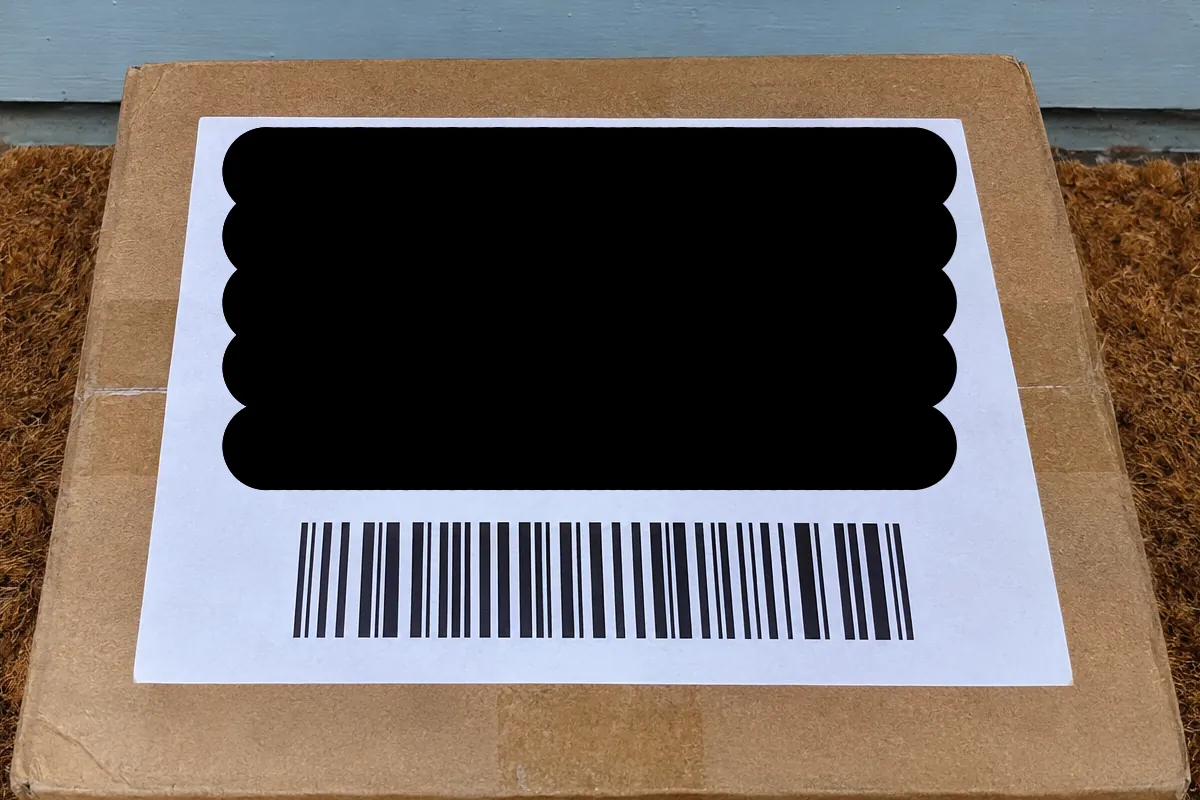
Black out a name, an address or an order number on a parcel, a letter or a screenshot.
Number Plates
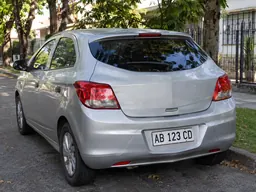
Cover a car’s plate before you post the photo or list the car for sale.
Faces
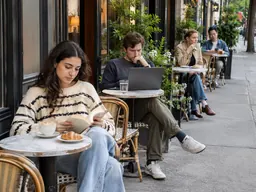
Pixelate or blur strangers and children before you share a photo.
Censor Image at a Glance
| Price | Free, with no watermark and no sign-up |
|---|---|
| Effects | Black Bar, Mosaic, Gaussian Blur, Motion Blur |
| Brush | Size 5 to 500, with a hard round edge |
| Whole photo | Apply to Whole Photo, in one step |
| Undo | Undo and Redo, up to 50 steps |
| Opens | JPEG, PNG, WebP, HEIC |
| Saves as | JPEG, PNG, WebP |
| Resolution | The full size of your photo |
| Files at once | One photo at a time |
| Where it runs | In your browser; nothing is uploaded |
Updated November 26, 2026
Frequently Asked Questions
How do I censor part of a photo?
Upload the photo, choose Black Bar, Mosaic or a blur under Effect, and paint over what you want to hide. Zoom in to cover small text exactly, then save the photo.
Which effect hides things best?
Black Bar: it replaces the area with solid black, so nothing under it can be seen or guessed. Mosaic with small blocks and a light blur can leave shapes, and pixelated text can sometimes be guessed back with special software. Use Black Bar for names, numbers and passwords.
Can someone remove the black bar from the saved photo?
No. The saved photo is a new, flat image: the pixels under the bar are replaced by black, and nothing of what was there is kept in the file. Only the copy on your device still has it.
Can I censor a screenshot?
Yes. Screenshots open like any photo. Save it as PNG to keep the text around the bar sharp; JPEG can blur small text a little.
Can it find faces or text by itself?
No. It changes only what you paint. To find every face in a photo and pixelate them all at once, use Pixelate Face or Blur Face.
Is my photo saved at full size?
Yes. You paint on the photo at its full size, and Save keeps every pixel of it. PNG is saved without loss; JPEG and WebP use the quality you choose.
Which formats can I use?
You can open JPEG, PNG, WebP and HEIC photos and save as JPEG, PNG or WebP. iPhone HEIC photos are turned into JPEG when they open. Transparent parts stay transparent in PNG and WebP and turn white in JPEG.
Does it work on my phone?
Yes. On a phone the photo opens full screen with the brush settings below it. Paint with one finger and pinch with two to zoom in; hold the compare button to see the original. Then save the photo or share it straight to another app.
Are my photos uploaded?
No. Your photo is edited in your browser and never leaves your device.