Converting HEIC Image
Please wait while we convert your HEIC photo…
Change Background Color
Free to use: 2 background removals per hour.
Drop a file here,
or use Ctrl+V / Cmd+V to paste
The AI finds the subject and removes everything behind it. Then pick a color for the new background, or any color of your own.
Photos are processed securely and automatically deleted from our servers within a few hours.
Or try a sample photo:
Try a sample photo:
Uploading…
This usually takes a few seconds
Continue editing in:
Change the Background Color of a Photo
Change Background Color is a free online tool that puts the subject of a photo on a new background color with AI. The AI finds the subject and removes everything behind it; then pick white, gray, blue, red or any other color, or an exact shade from the color picker, and save the photo at its own size. After one removal you can try as many colors as you like. It is free for 2 photos an hour, with no watermark and no sign-up.
- Free, no watermark
- No sign-up
- Uploads deleted after processing
- Works on phone and computer
Before and After
Real results on new colors. Drag the line to compare.
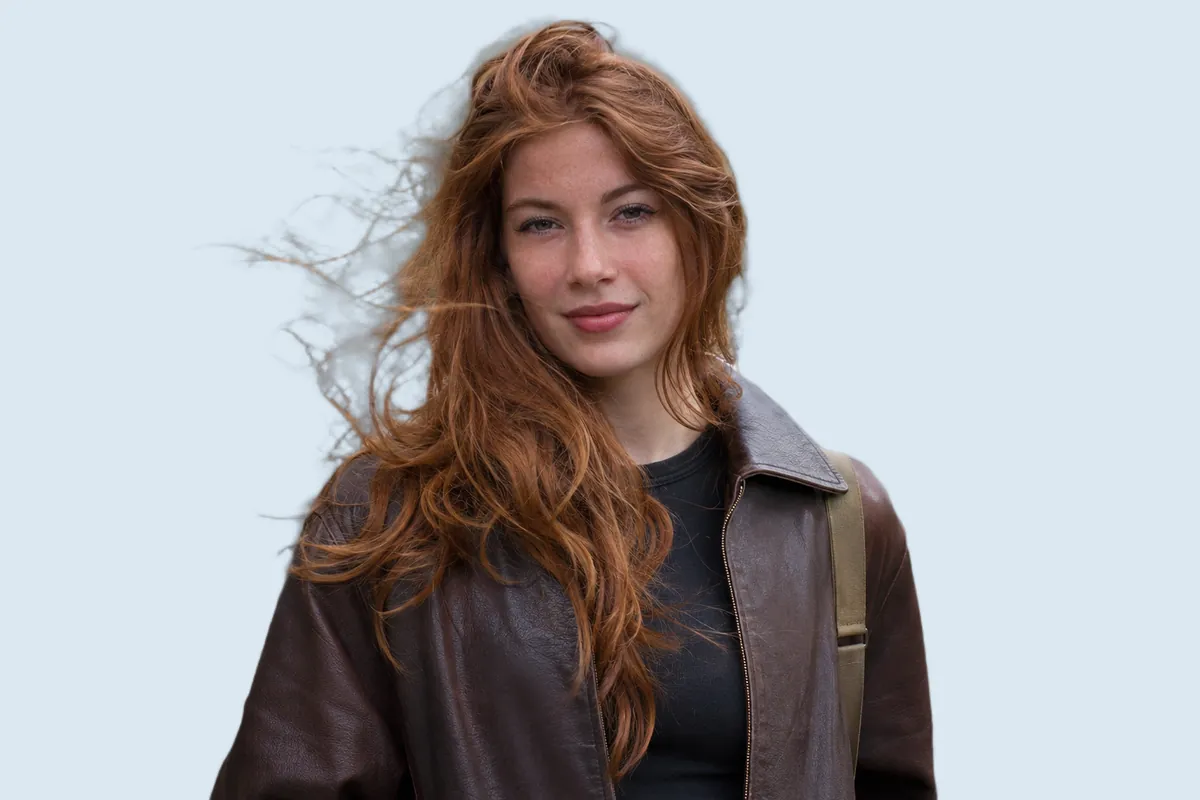
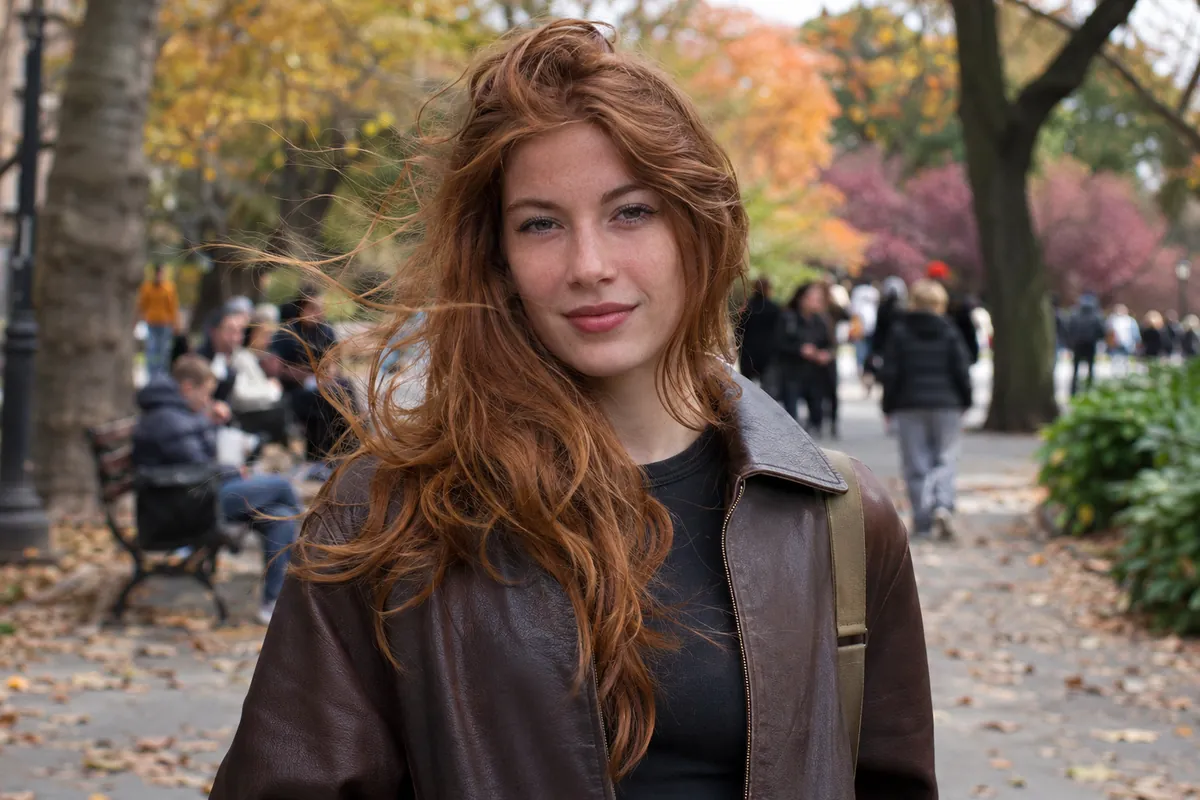 BeforeAfter
How to Change the Background Color
-

1 Upload Your Photo
Upload a photo (JPEG, PNG, WebP, GIF, BMP or HEIC), or try one of ours. People, pets, products and cars work best.
-
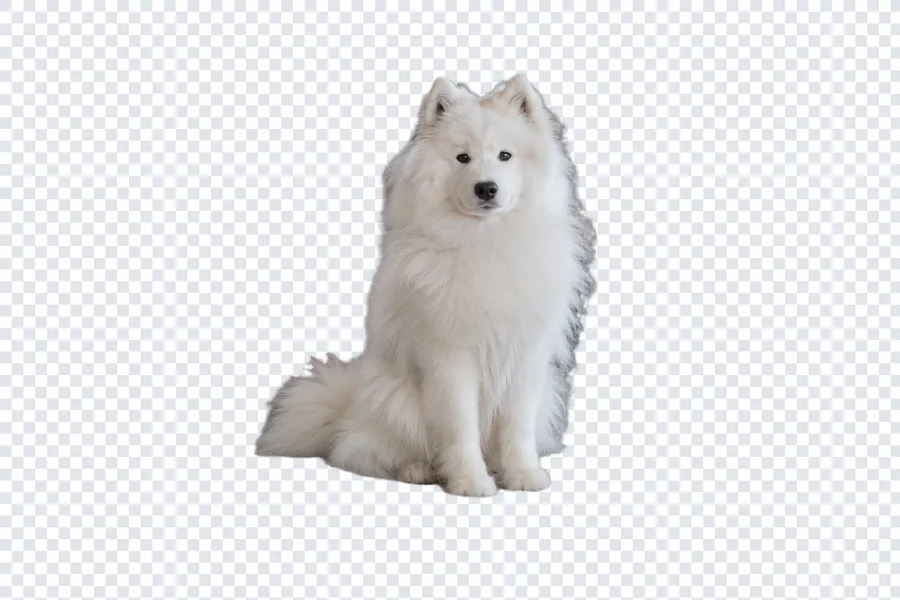
2 Pick the Edges
Choose Smooth edges for products, cars and people with neat hair, or Hair & fur for pets and loose hair. The AI then removes the background.
-

3 Pick a Color and Save
Tap a color, or open the color picker for any shade. Each color shows at once, and trying them does not use up a removal. Then save a JPEG, PNG or WebP.

A New Color in One Tap
White, gray, cream, black, light blue, blue, navy, red, green, yellow and pink are one tap away. Colors are made in your browser, so trying them does not use up your 2 removals an hour.

Any Color You Need
Open the color picker for an exact shade, such as a brand color or the color a form asks for. A gradient, a photo of your own or a blur of the original are there too, under the other tabs.
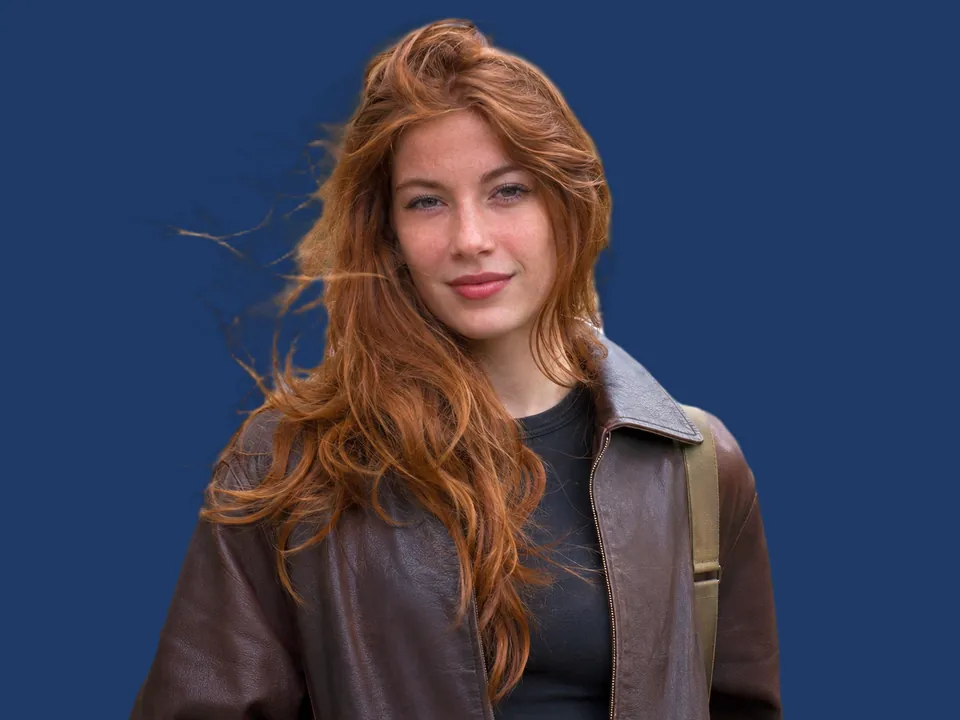
 BeforeAfter
Fit the Subject to Its New Color
Under Foreground, Brightness, Contrast, Brilliance, Shadows and Saturation change the subject only, so a photo taken in dim light fits a bright new background, and the color behind stays as you picked it.
Change Background Color at a Glance
| Price | Free: 2 background removals an hour, with no watermark and no sign-up |
|---|---|
| Colors | White, Gray, Cream, Black, Light Blue, Blue, Navy, Red, Green, Yellow, Pink, Any color from the picker |
| Other backgrounds | Transparent, Gradient, Magic, Photo, Blur BG |
| Subject adjustments | Brightness, Contrast, Brilliance, Shadows, Saturation |
| Photo formats | Opens JPEG, PNG, WebP, GIF, BMP and HEIC; saves PNG, JPEG or WebP |
| Saved size | Your photo's own size, up to 16 megapixels |
| Where it runs | The AI runs on our server; the background and the saved photo are made in your browser |
| Privacy | Your upload is deleted as soon as the background is removed, and the cutout a few hours later |
Updated November 26, 2026
Frequently Asked Questions
How do I change the background color of a photo?
Upload the photo and pick Smooth edges or Hair & fur. The AI removes the background, and the subject appears on a color. Tap another color, or open the color picker for any shade, then save.
Can I use an exact color code?
Yes. Tap the rainbow circle at the start of the colors to open the color picker. On a computer it takes a HEX or RGB value; on a phone it depends on the browser, and some only let you pick by eye.
Which background color should I use for an ID or passport photo?
The one your form asks for. Most passports and visas ask for white or a light gray or blue, and some other documents ask for a blue or red background. This tool changes the color only; it does not crop the photo to a passport size or check the other rules.
Can I try more than one color?
Yes, as many as you like. Colors, gradients and the other backgrounds are made in your browser, so only the removal counts toward the 2 an hour. Save each version you want.
Can I make the background transparent instead?
Yes. Pick Transparent, the checkered circle among the colors, and save a PNG or WebP. Transparent Background is the same tool, starting on transparent.
Will hair and fur look natural on the new color?
Usually, yes. Pick Hair & fur for pets and loose hair: the edge pixels are partly see-through, so the new color shows through the strands. Very fine strands, or fur against a dark background, can keep a little of the old background; it shows most on white and on strong colors.
What format is the saved file?
JPEG, which is small and opens everywhere. PNG and WebP are under Save as; with a color behind the subject, all three look the same. If you pick Transparent, the tool switches to PNG, which keeps the transparency.
Is it free?
Yes. You can change the background of 2 photos an hour for free, with no sign-up and no watermark. Remove Background, Transparent Background and White Background use the same AI and share the 2 an hour; trying colors and saving again do not count.
How big is the saved photo?
As big as your photo, up to 16 megapixels. The AI works on a copy of up to 1024 pixels; its outline is scaled up and laid over your original, so the subject keeps its own sharp detail.
Why can I only use it twice an hour?
Each photo runs a large AI model on our server. To keep the tool free for everyone, each internet connection can use it twice an hour; people who share a connection, such as a home or an office, share the two.
Are my photos stored on your servers?
The photo you upload is deleted from our server as soon as the background has been removed. The cutout is kept only so your browser can load it, and is deleted automatically a few hours later. We do not share or use your photos for any other purpose.
Does it work on a phone?
Yes. Once you add a photo it opens as a full-screen editor, with the backgrounds and the subject adjustments in the bar at the bottom. On a phone you can share the result straight to an app.